|
 |
|

| Title: Radial Transmission | |
| DelitefulHeartsTags > Cyane / Sharons Avenue > Sharons Tutorials | Go to subcategory: |
| Author | Content |
Sharon2Rusty

|
|
|
Date Posted:03/29/2024 6:06 PMCopy HTML
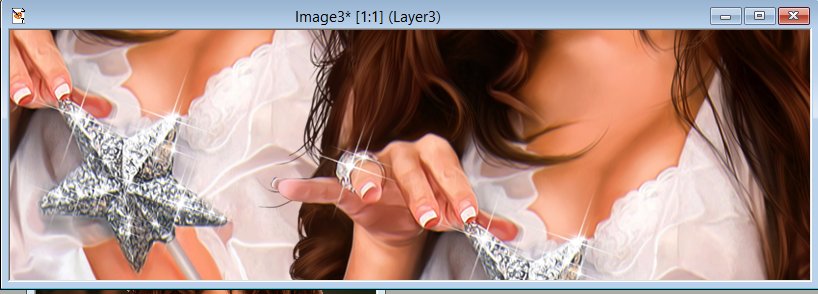
we are going to make this using dsb flux radial transmission I hope you have this one already in paint shop pro ok let do a banner size open up 800 by 250 I am using psp 7 today... pick a girl out and do not resize it we just want the colors to blend and not the whole lady so you may have to use 2 or 3 overlapping each other til you are able to get what you like I am going to use a old tube from very many ... angel
ok think I will use the bottom pick and do 2 like this one go to layers and merge all
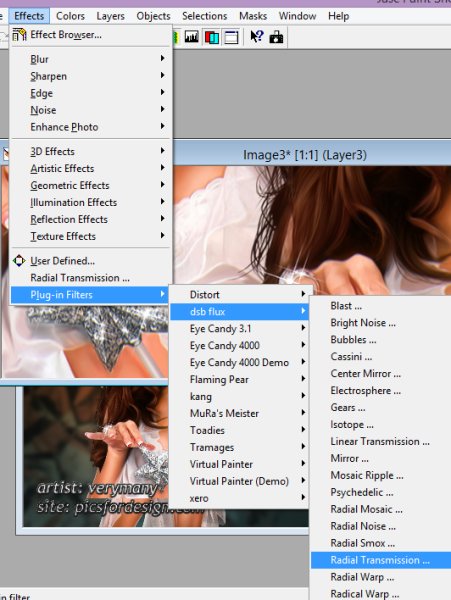
now go to effects plug in effects dsb flux and radial transmission
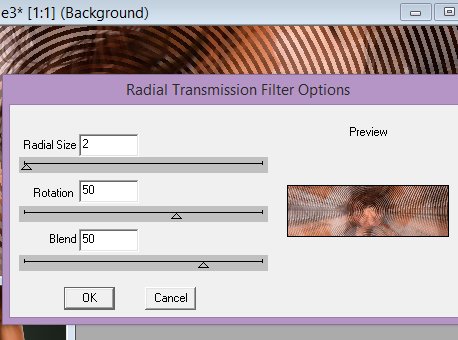
ok lets play with some numbers... I like the rdial size 5 but there is really no colors on this tube so I am going to hit radial 2 rotation 50 and blend 50 click ok
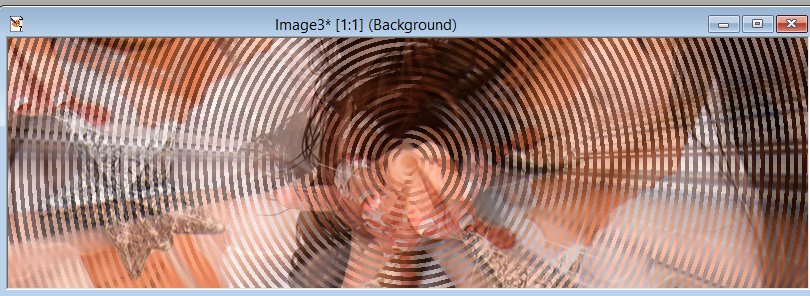
now it should look something like this
now we can sharpen it a bit and add the lady and the copyright and your name and that's it
|