|
 |
|

| Title: Motion Blue at 145 Angle | |
| DelitefulHeartsTags > Cyane / Sharons Avenue > Sharons Tutorials | Go to subcategory: |
| Author | Content |
Sharon2Rusty

|
|
|
Date Posted:03/29/2024 6:22 PMCopy HTML I am going to use this polka dot wallpaper from Digicats and dogs please credit me properly as Digicats (& Dogs). A link to my blog (http://digicats.blogspot.com) is appreciated, but not necessary.
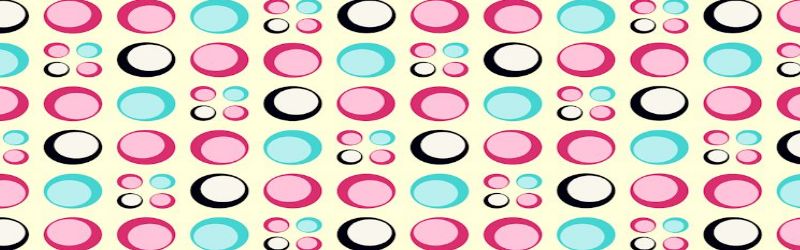
I am going to resize it down and adjust it to make a banner like this one
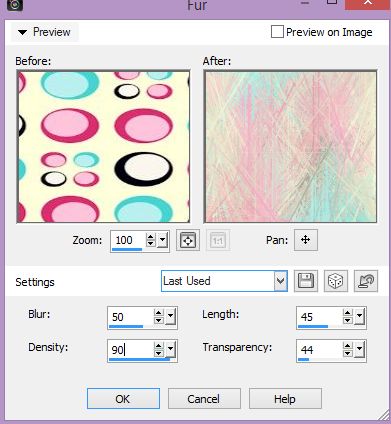
now go to effect texture effects fur have mine set to blur 50 density 90 length 45 transparency 44 play around with these til you find something you may like to use
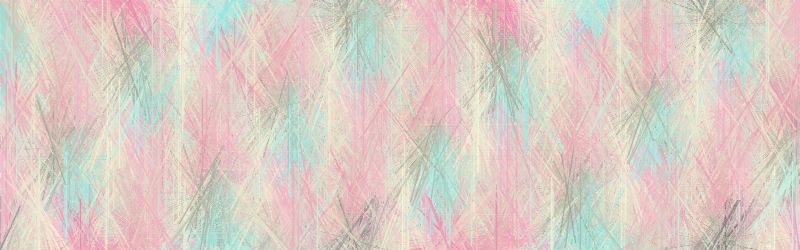
here is what it is looking like
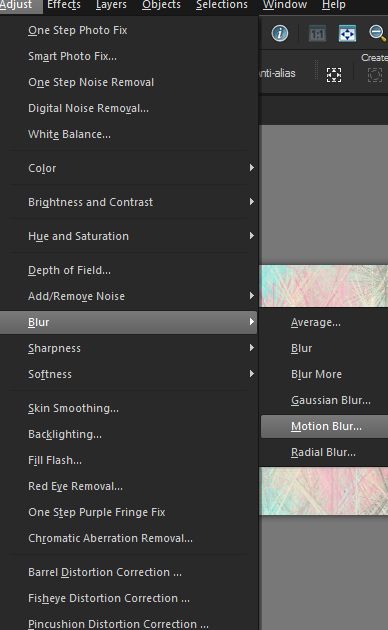
now go to adjust blur motion blur
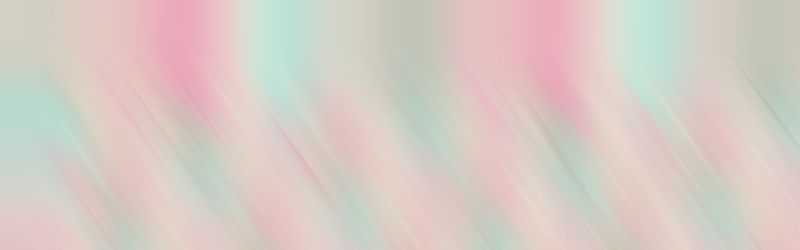
now play with them I am using motion blur at 145 angle strebgth 100 I am going to click ok and do it again....
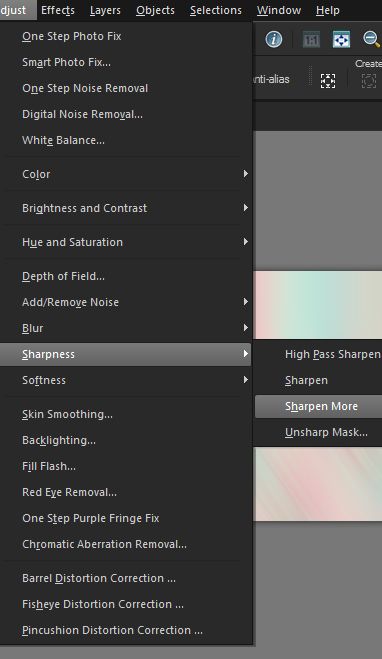
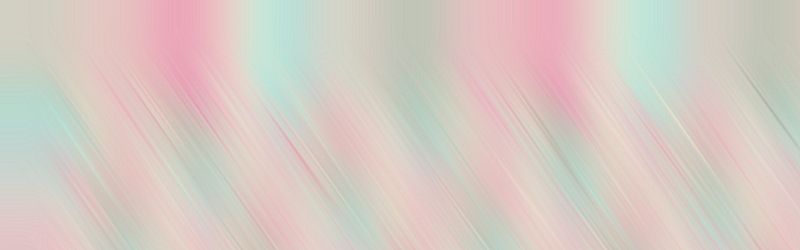
now all we have to do is sharpen it adjust sharpness sharpen more and I click sharpen more two time also to bring in the effect
and it will look like this
now add some things, a lady, elements or anything you want and have fun you are done
|