|
 |
|

| Title: Linear Transmission | |
| DelitefulHeartsTags > Cyane / Sharons Avenue > Sharons Tutorials | Go to subcategory: |
| Author | Content |
Sharon2Rusty

|
|
|
Date Posted:03/29/2024 6:06 PMCopy HTML
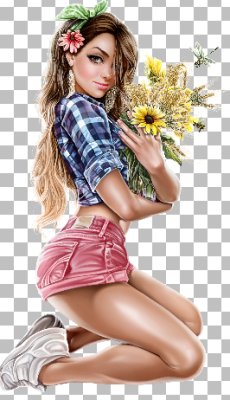
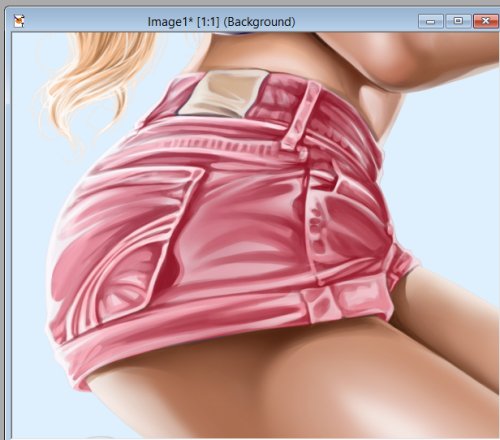
we are going to work with the linear transmission today it will be found in the dsb flux, I hope you have it.... we are going to have some fun with it... ok lets open up a 600 by 500 and pick out a lady you want to use and oh lets pick out 2 light colors for her background I will be using rita here
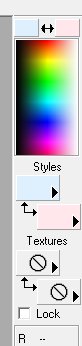
so I will pick a soft blue and pick from her shorts put one in the foreground color and one in the background
ok lets use the foreground color using the floodfill tool go to the 600 by 500 and fill it in
ok right now we are going to go back to the lady and move her around I am going to use her shorts for mine I am not resizing it
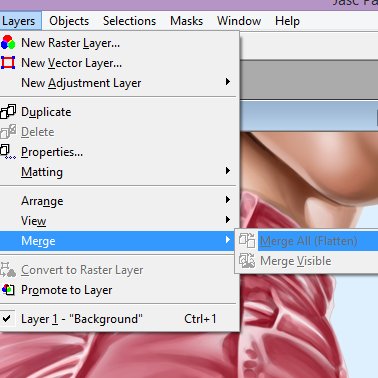
now just layers, merge, merge all
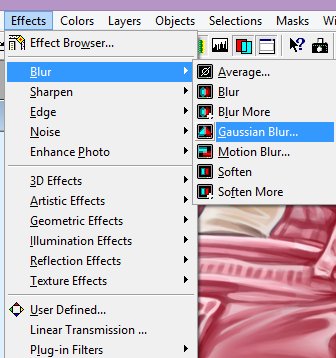
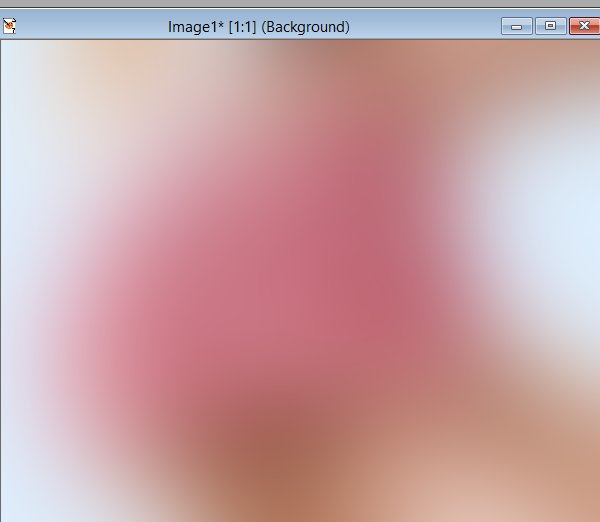
now lets go to blur, Gaussian blur
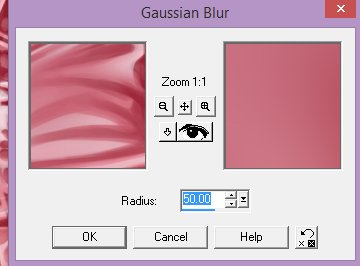
play with this for a bit til you get what you like I went for 50 on this one
and came up with this one
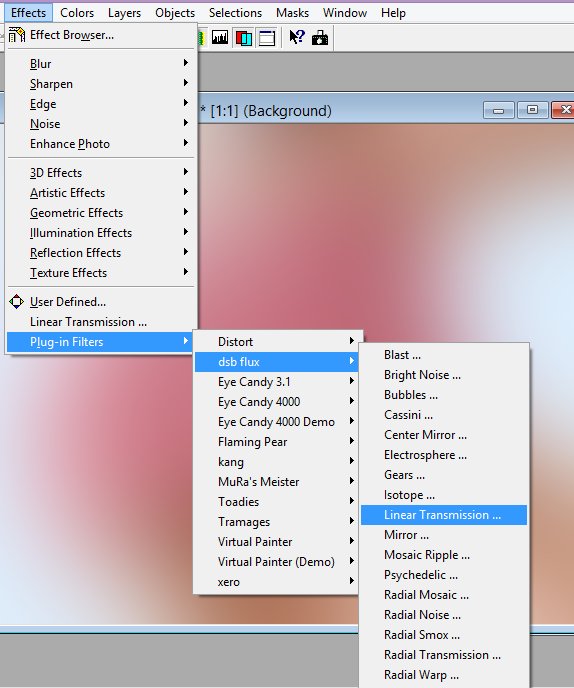
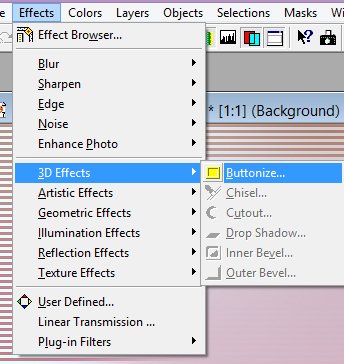
now lets go to... effects, plug in filters dsb flux linear transmission
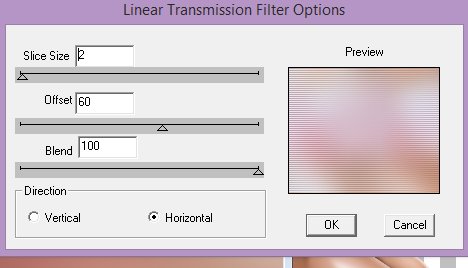
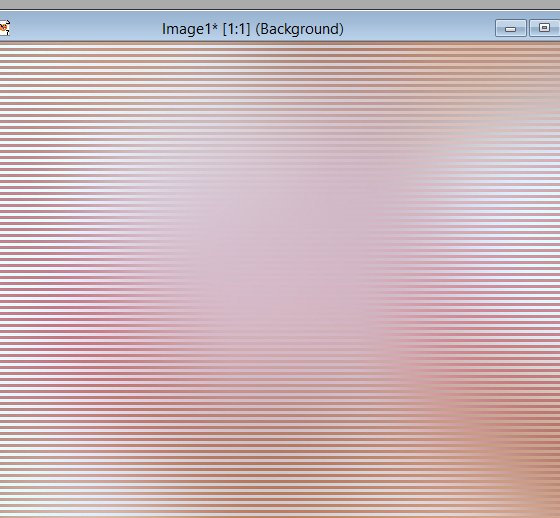
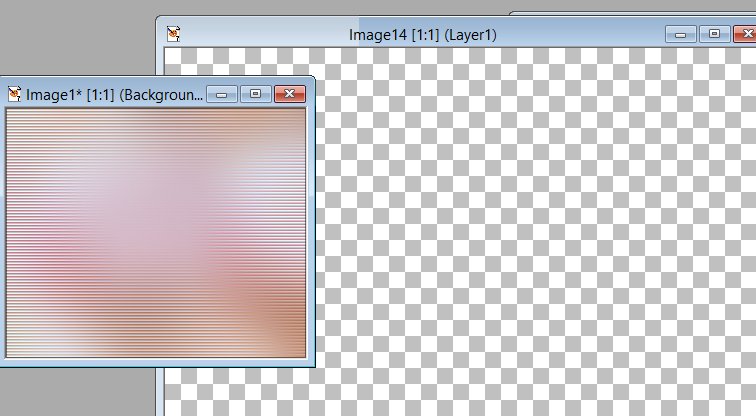
we are going to play around a bit til we find a number we like I am going to use this one slice size 2 offset 60 blend 100 horizontal... I have done 3, 100, 100 on the bottom sample... so just play around til you get what you like..
you can sharpen this right now if you like but do not have to this is what it is looking like right now
ok right now you can buttonize it always keep it as 2. 2. 50
lets resize this one to 300 now and open up another 600 by 500
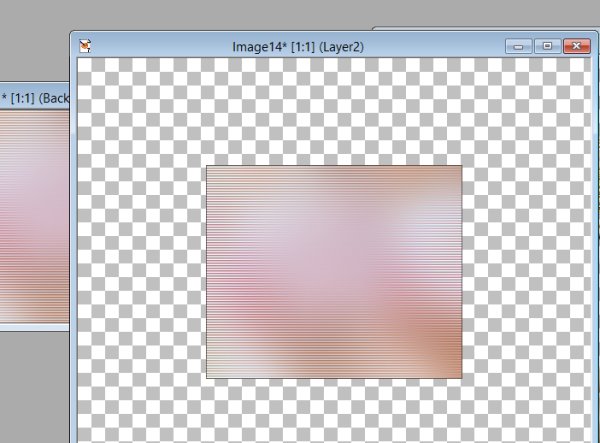
ok lets copy and paste the small block to the 600 by 500 it should be in the center of your page now ...... keep this one for a extra background........
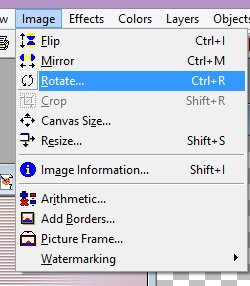
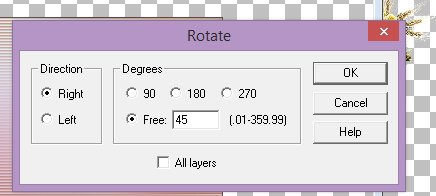
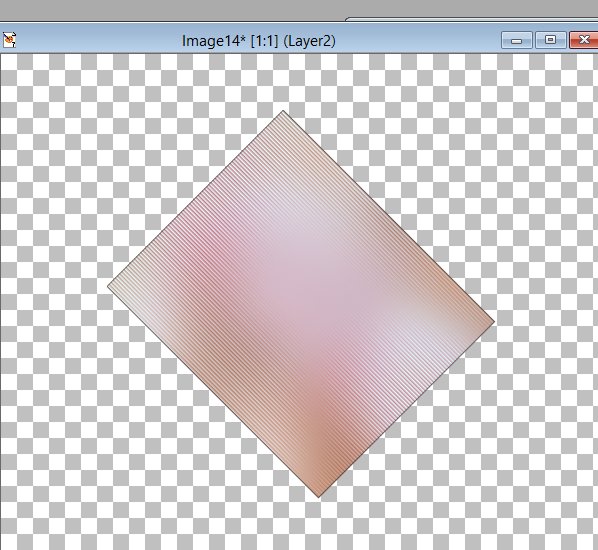
lets rotate it 45 degrees
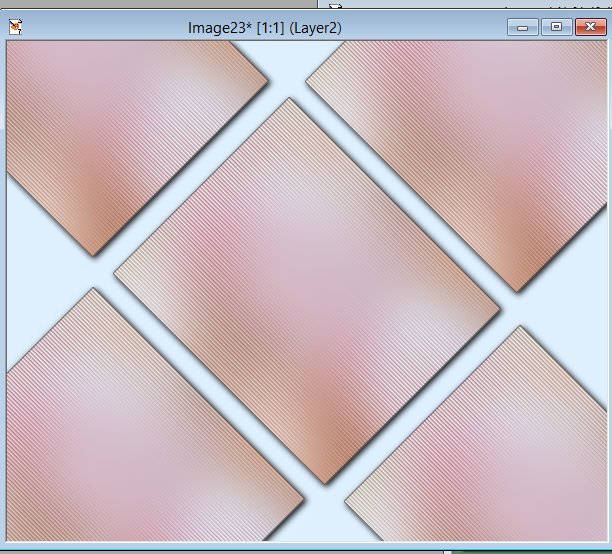
now it should look like this
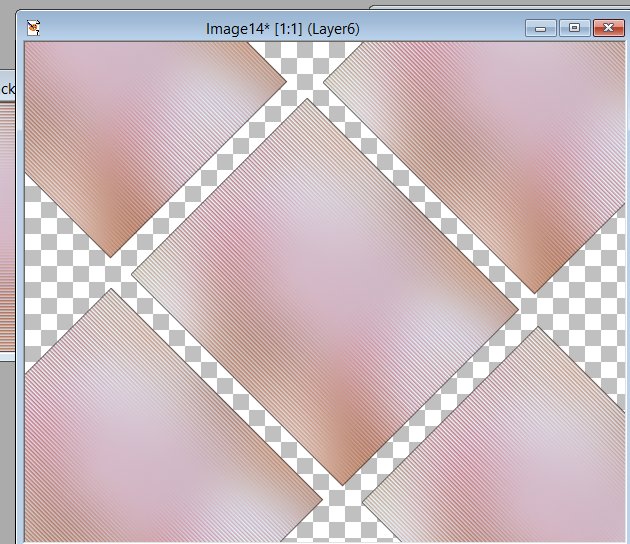
we are going to copy this one and place it on top and bottom and then both sides, just place it close to one another
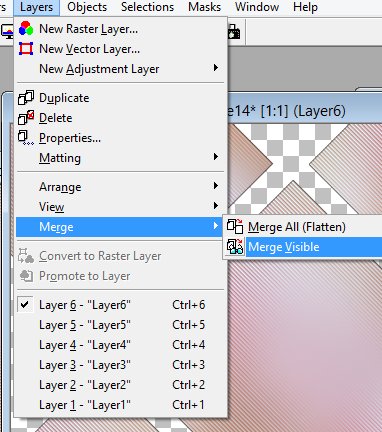
now go to layers merge merge visible
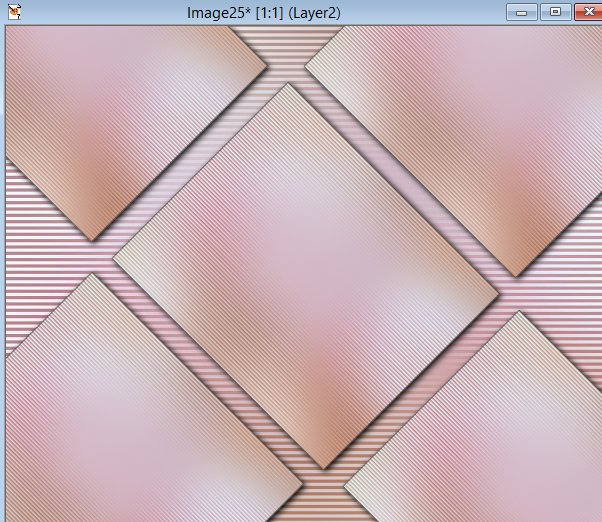
we can now add some shadow or anything to the squares you can buttonize it or anything I am going to add a shadow oh forgot to add the background color we picked at the beginning of the tutorial ok open up another 600 by 500 and floodfill the color to your background shade it should look like this now
remember i said save the other one of the linear transmission for later we can now use that for the background instead of the light foreground color
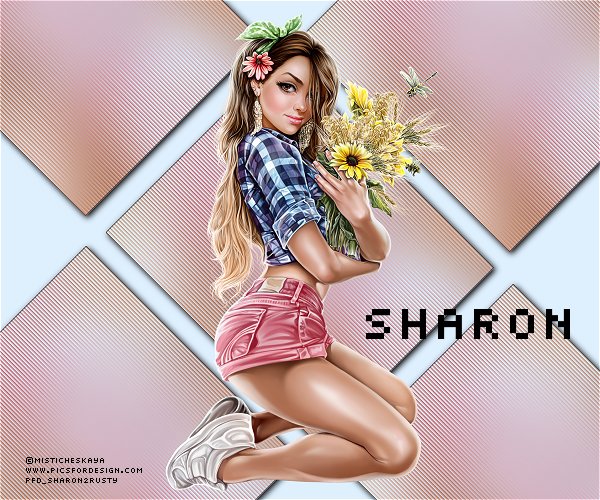
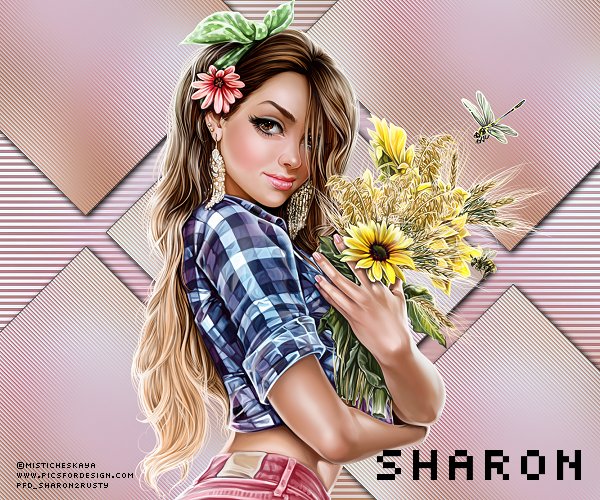
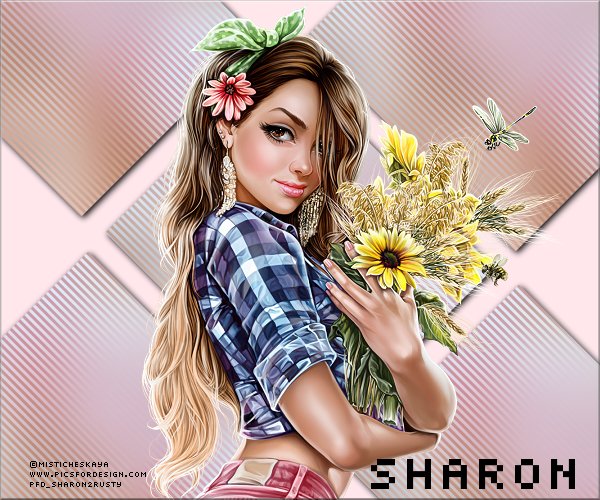
ok now add the lady resize her to what you want the whole lady or half of her it is up to you...
remember i said used 3 instead of 2 on the linear transmission here is what i did using that one the lines are so different
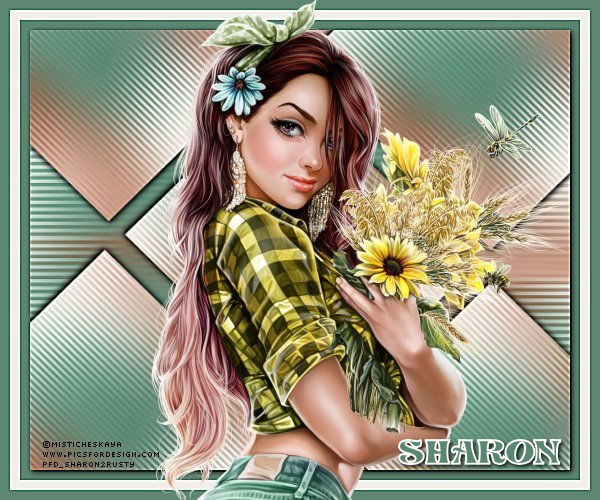
have fun i think i may have done the background color wrong i should have used the light pink on the background instead of the blue... me made a boo boo.... ok I am back used the foreground pink on this one and instead of 2 I went with 3 on this one I saw I used the light blue for the background with the shorts....doh...
|