|
 |
|

| Title: Blur Effect (PSP7) | |
| DelitefulHeartsTags > Cyane / Sharons Avenue > Sharons Tutorials | Go to subcategory: |
| Author | Content |
Sharon2Rusty

|
|
|
Date Posted:03/29/2024 6:04 PMCopy HTML
lets have fun and do a blur effect... just for fun open a 800 by 250 up lets open up the airbrush I have mine on the side you may have yours on top
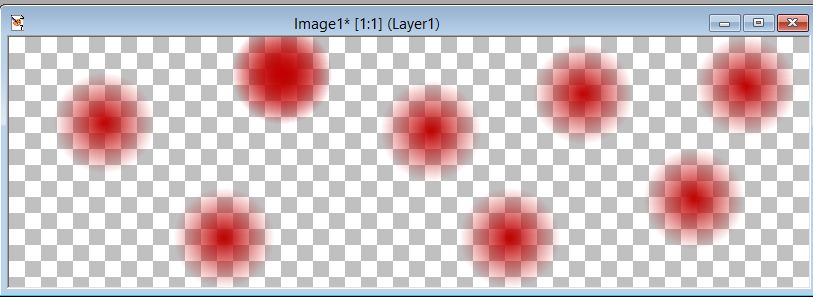
we are going to spot some colors on our 800 by 250 paper just blot and spot colors everywhere I am going to do size 100 I am going to start at the top with the red and work around with the same color shade...
hit them corners also we want to paint everything
ok make sure it is all covered and them hit layers, merge and merge all
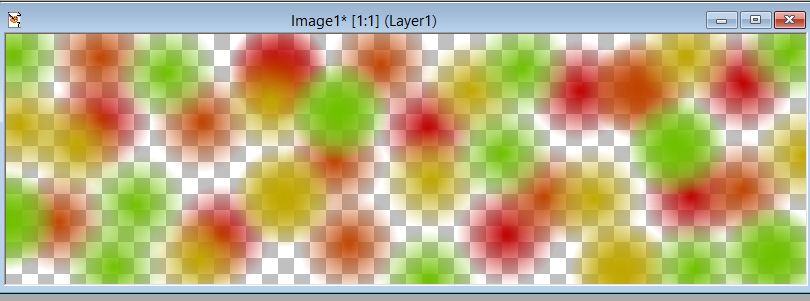
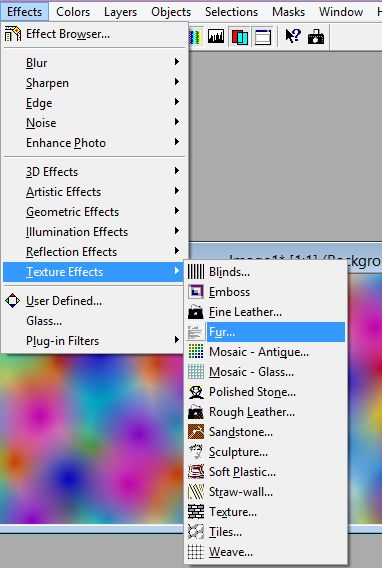
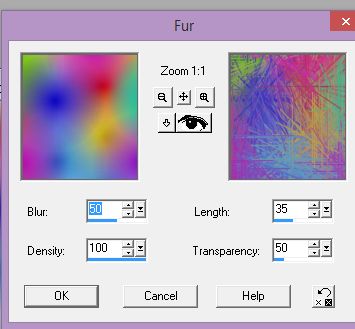
lets put some fur in it effect texture effect fur
I am going to add a 35 to the length on this one
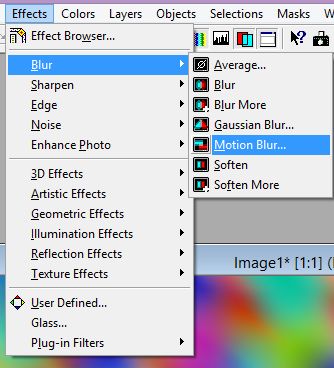
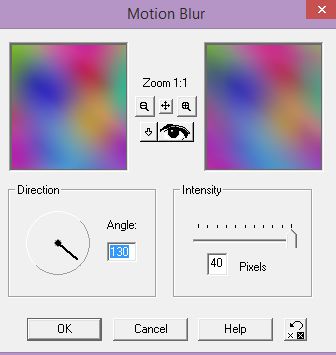
now lets go to blur and motion blur
mine only goes up to 40 but we need to blur it to say 200
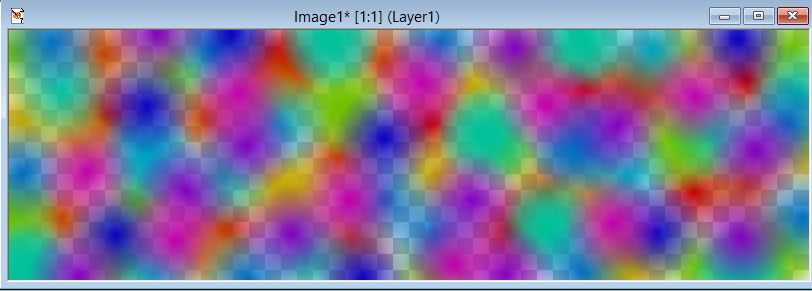
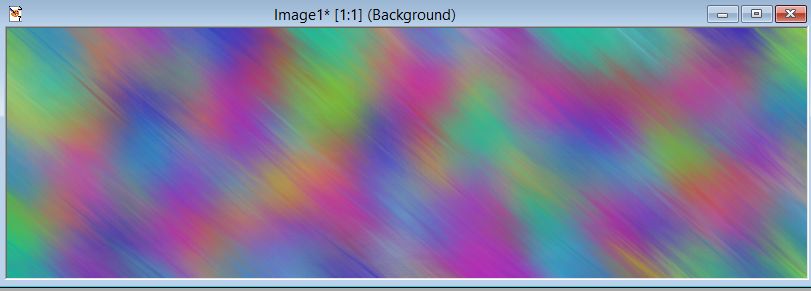
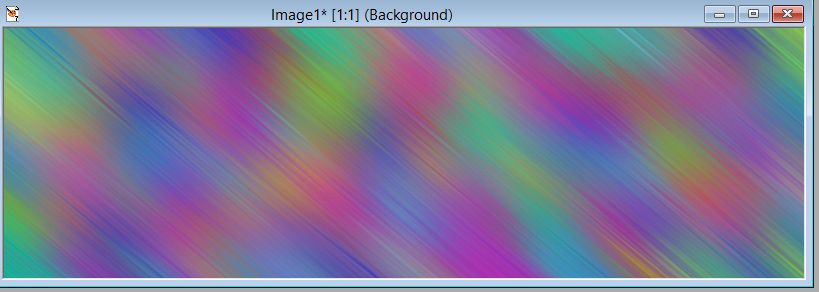
ok after all of the hits it should look like this
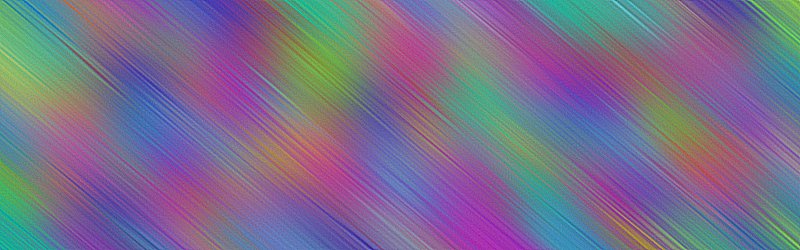
now lets go to sharpen and keep clicking on it til it looks like icicles or glass is coming through
the more sharpen you hit the more it will brighten up
keep practicing and this will be a GREAT background drop for a lady to be placed on front of it...
|